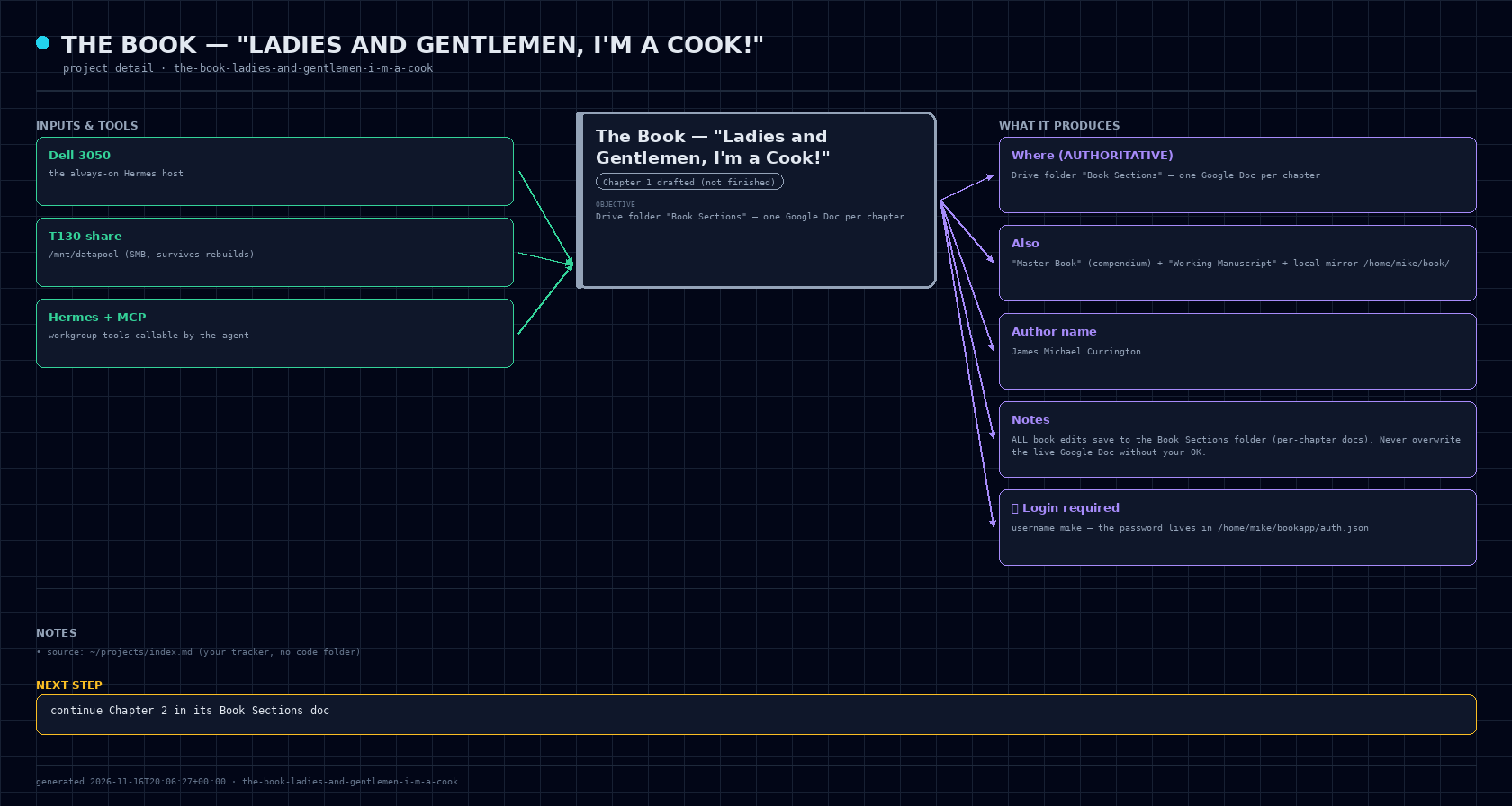
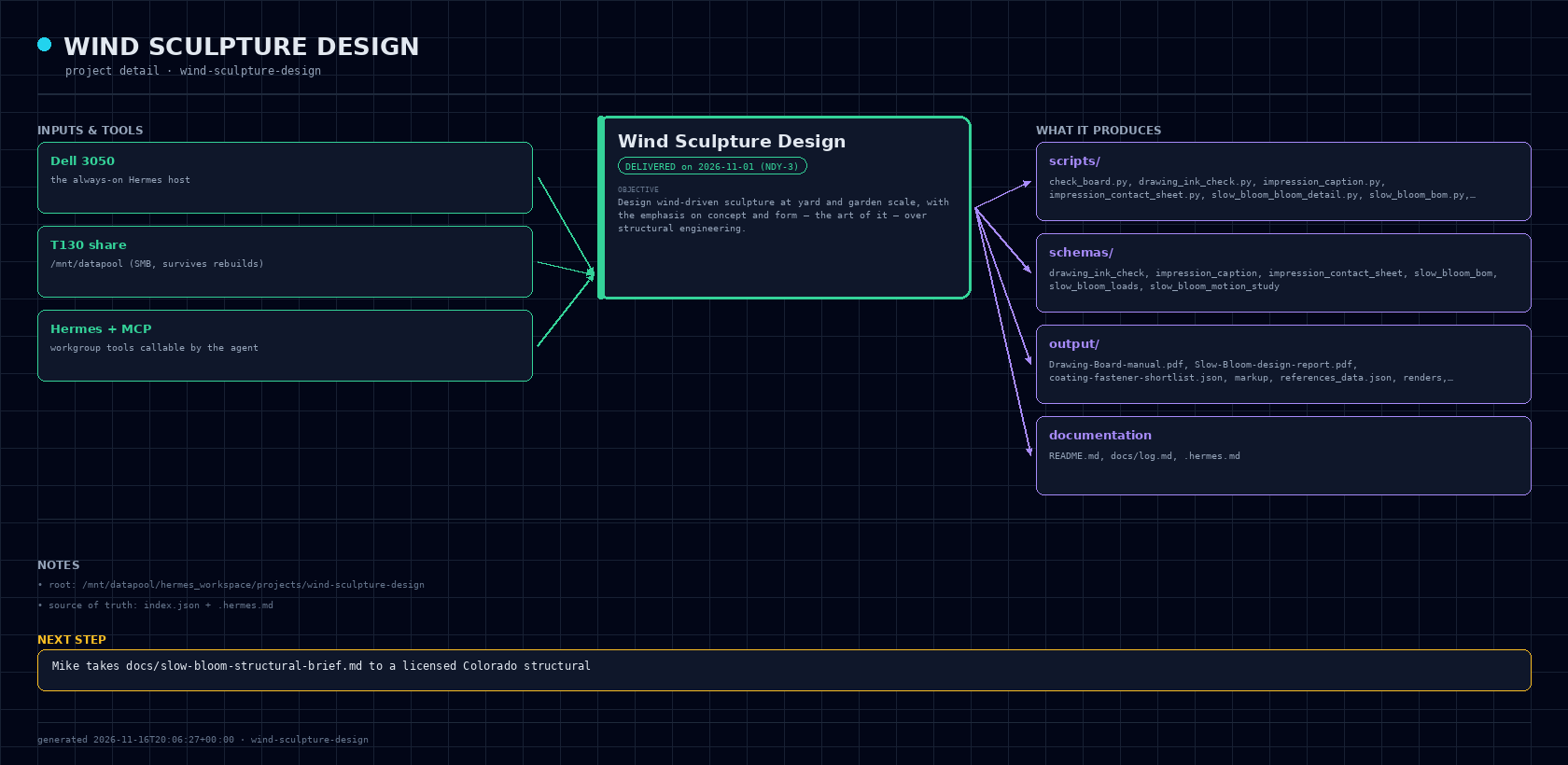
Folder: /mnt/datapool/hermes_workspace/projects/project-map ·
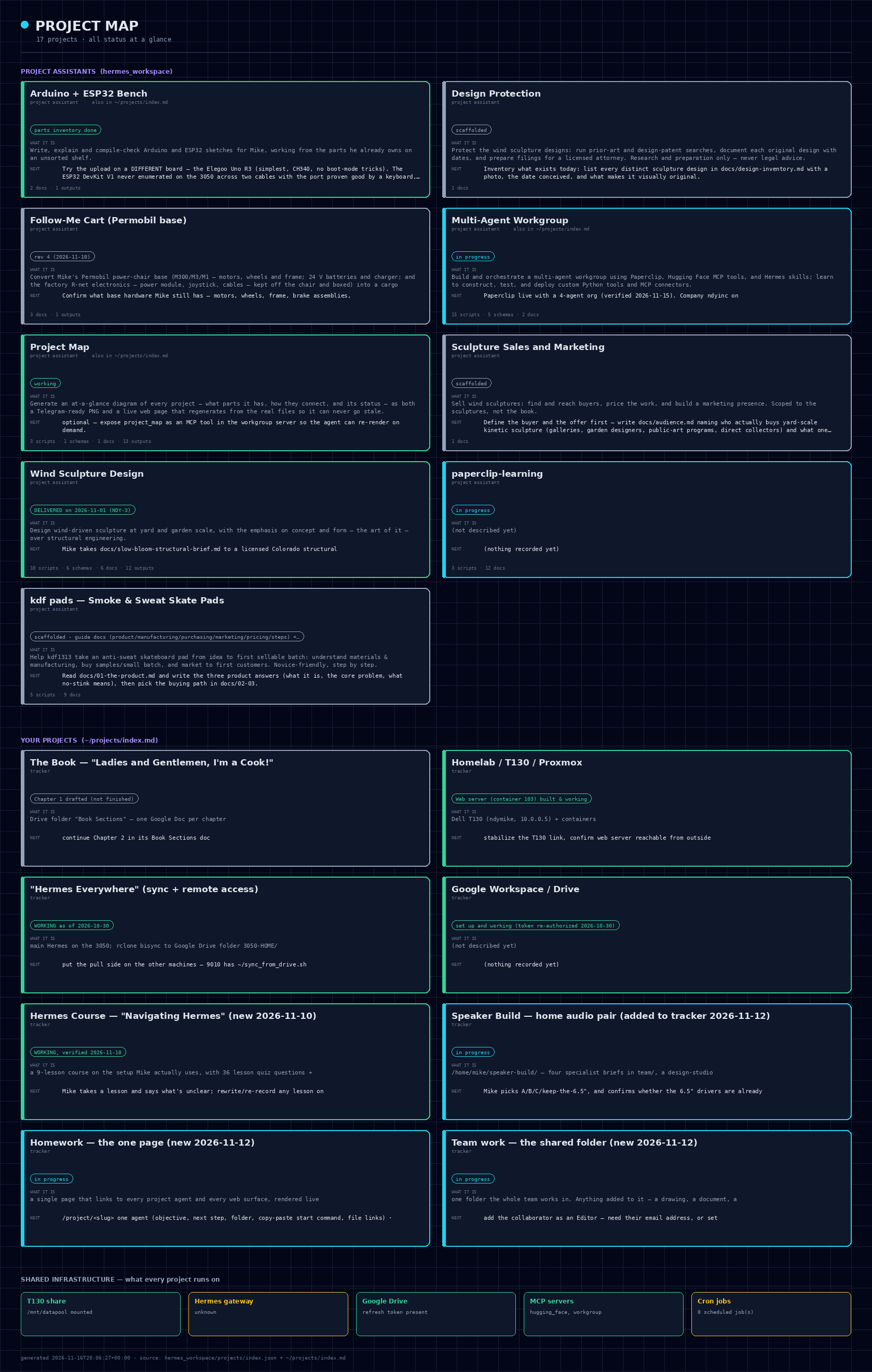
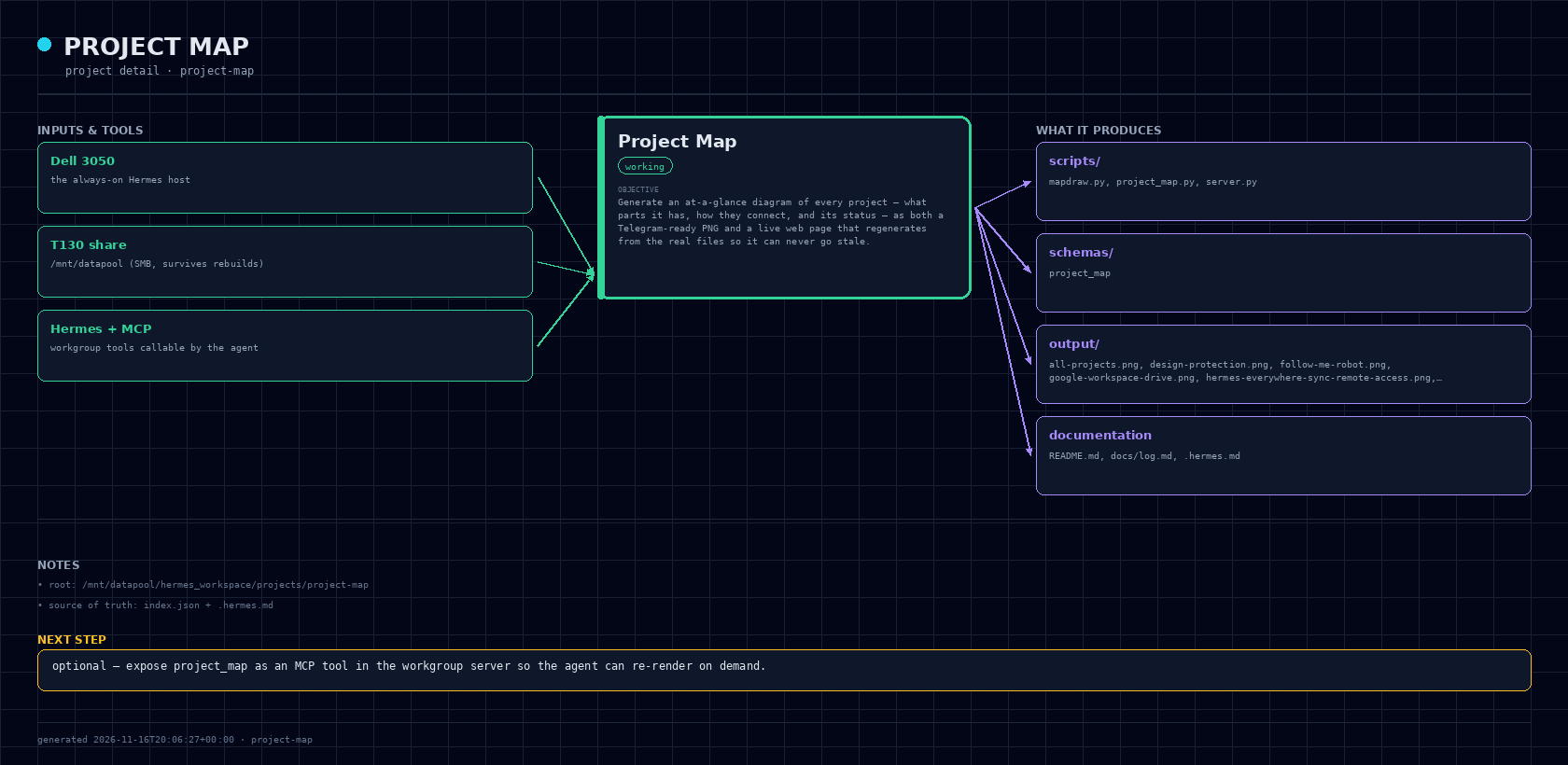
working - generator + web page built and verified, all 7 projects render
Start a session here (paste into a terminal):
cd /mnt/datapool/hermes_workspace/projects/project-map && hermesdocs/
log.md
output/
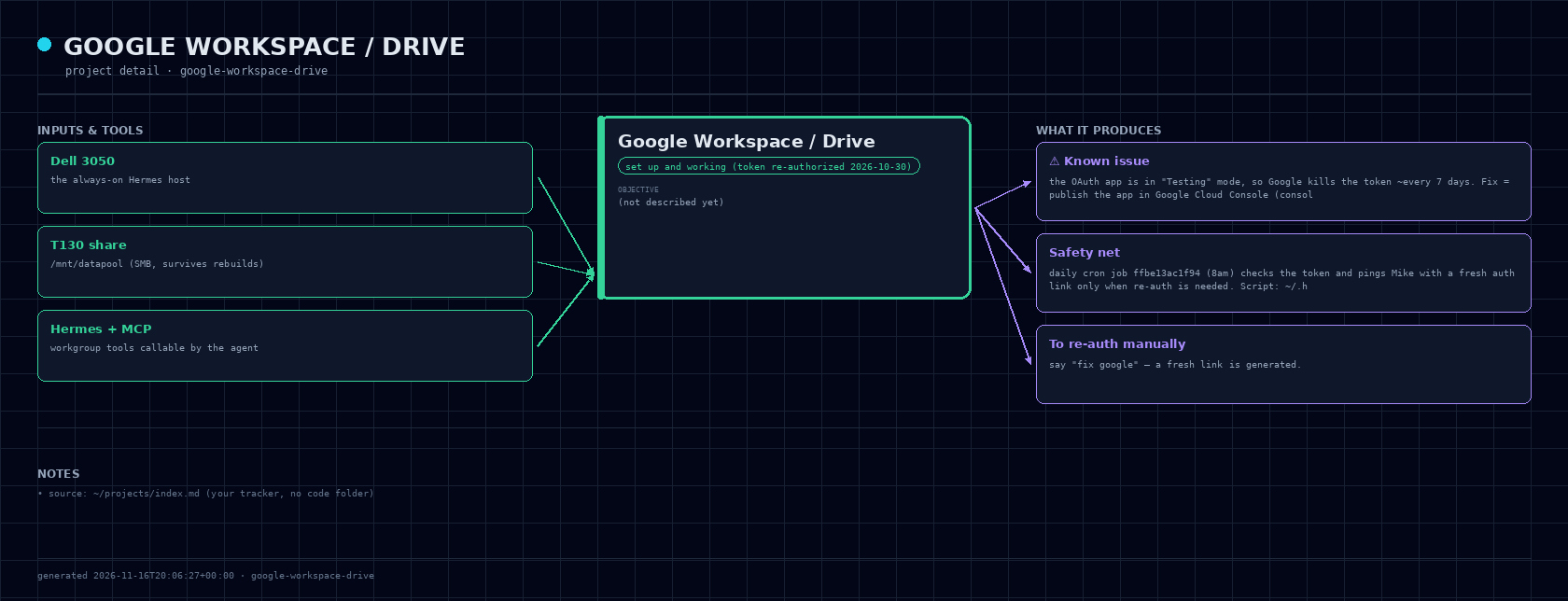
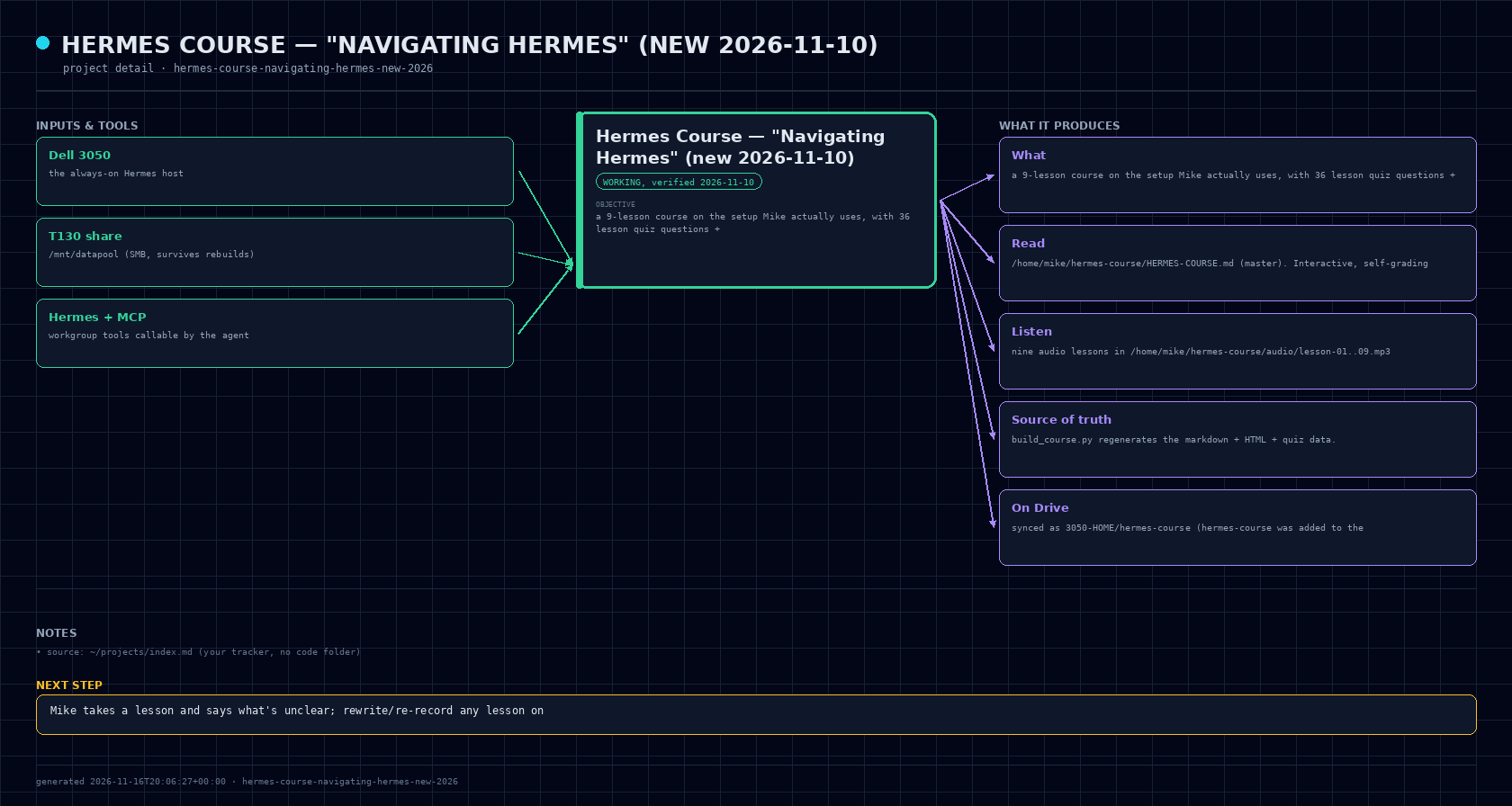
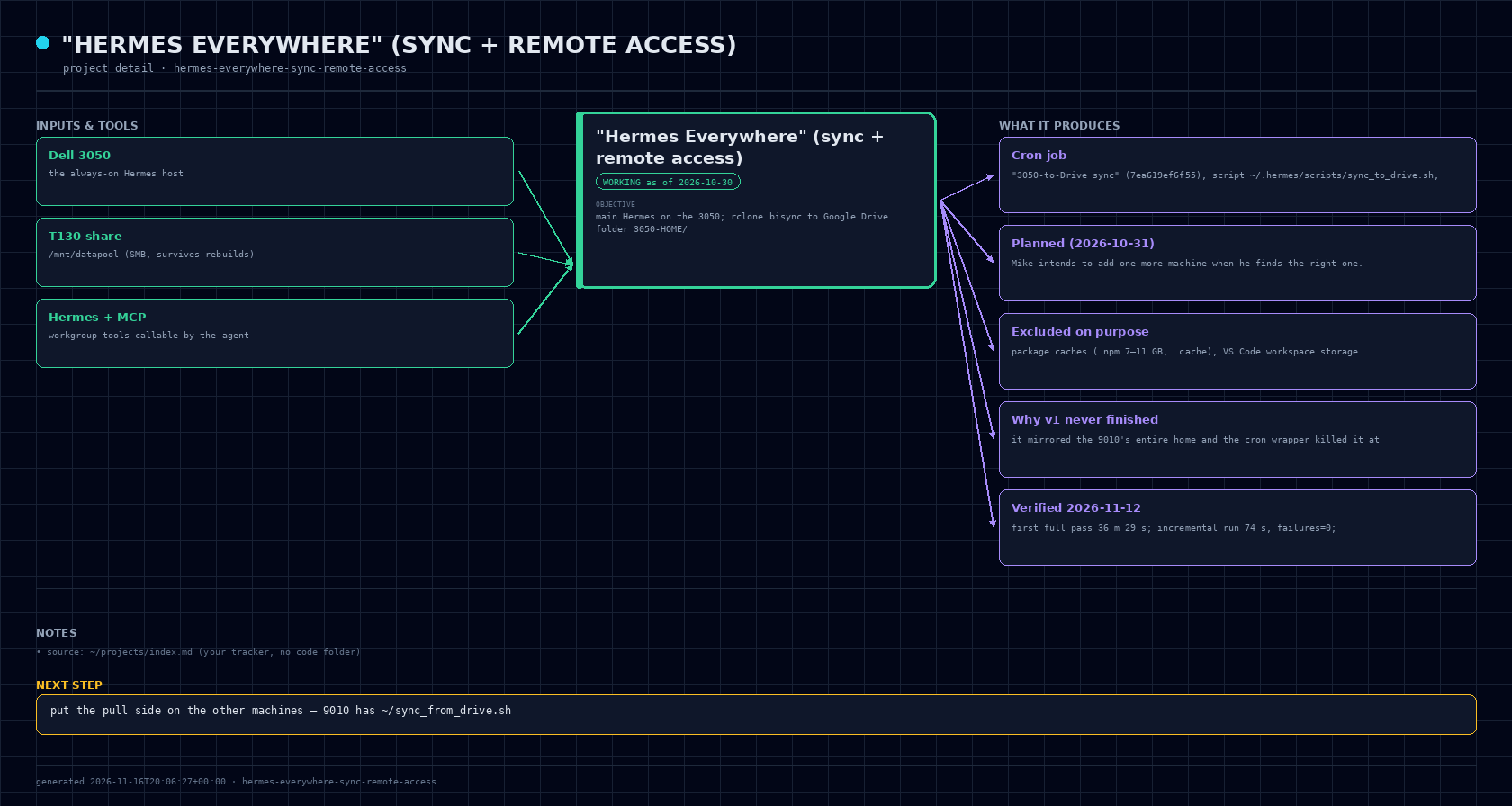
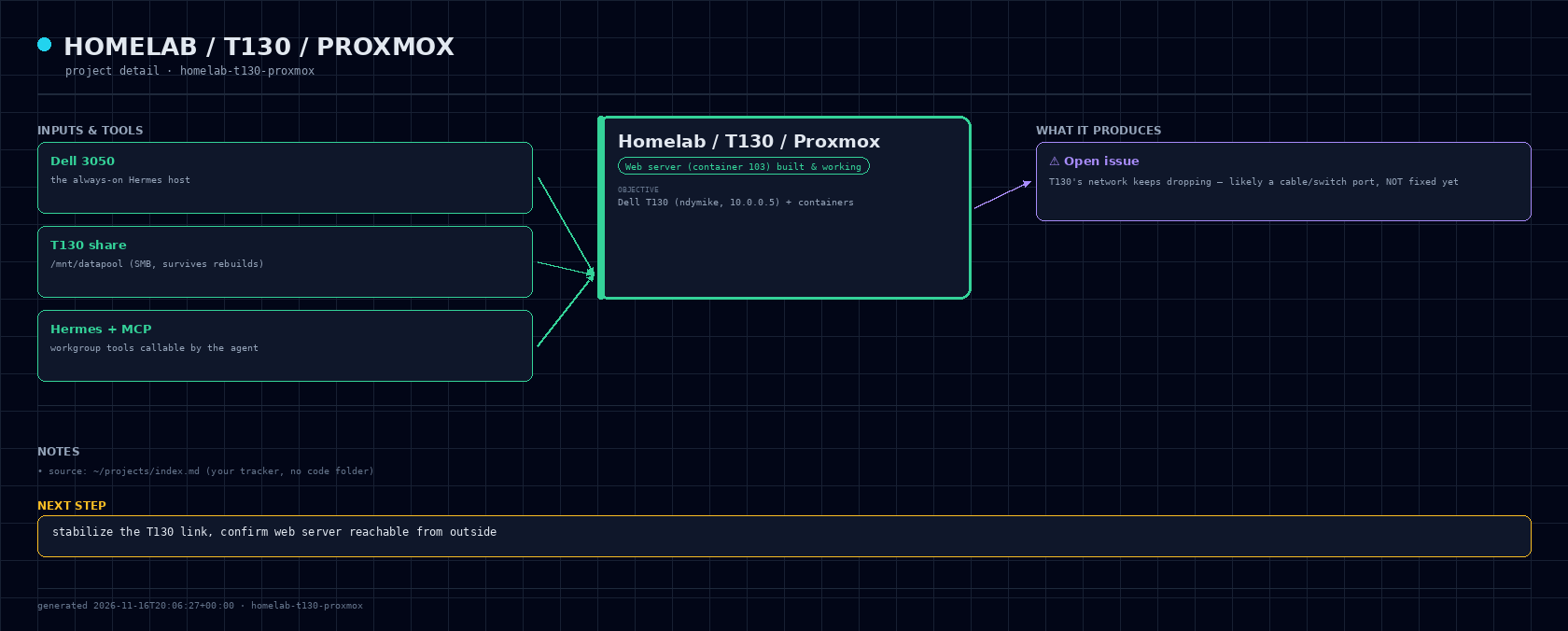
all-projects.png · arduino-esp32.png · design-protection.png · follow-me-robot.png · google-workspace-drive.png · hermes-course-navigating-hermes-new-2026.png · hermes-everywhere-sync-remote-access.png · homelab-t130-proxmox.png · homework-the-one-page-new-2026-11-12.png · index.html · kdf-pads.png · map.json · multi-agent-workgroup.png · paperclip-learning.png · project-map.png · sculpture-sales-and-marketing.png · speaker-build-home-audio-pair-added-to-t.png · team-work-the-shared-folder-new-2026-11-.png · the-book-ladies-and-gentlemen-i-m-a-cook.png · wind-sculpture-design.png
schemas/
project_map.schema.json
Hermes: this file is the context for the Project Map project assistant.
You are in /mnt/datapool/hermes_workspace/projects/project-map. Work from here unless told otherwise.
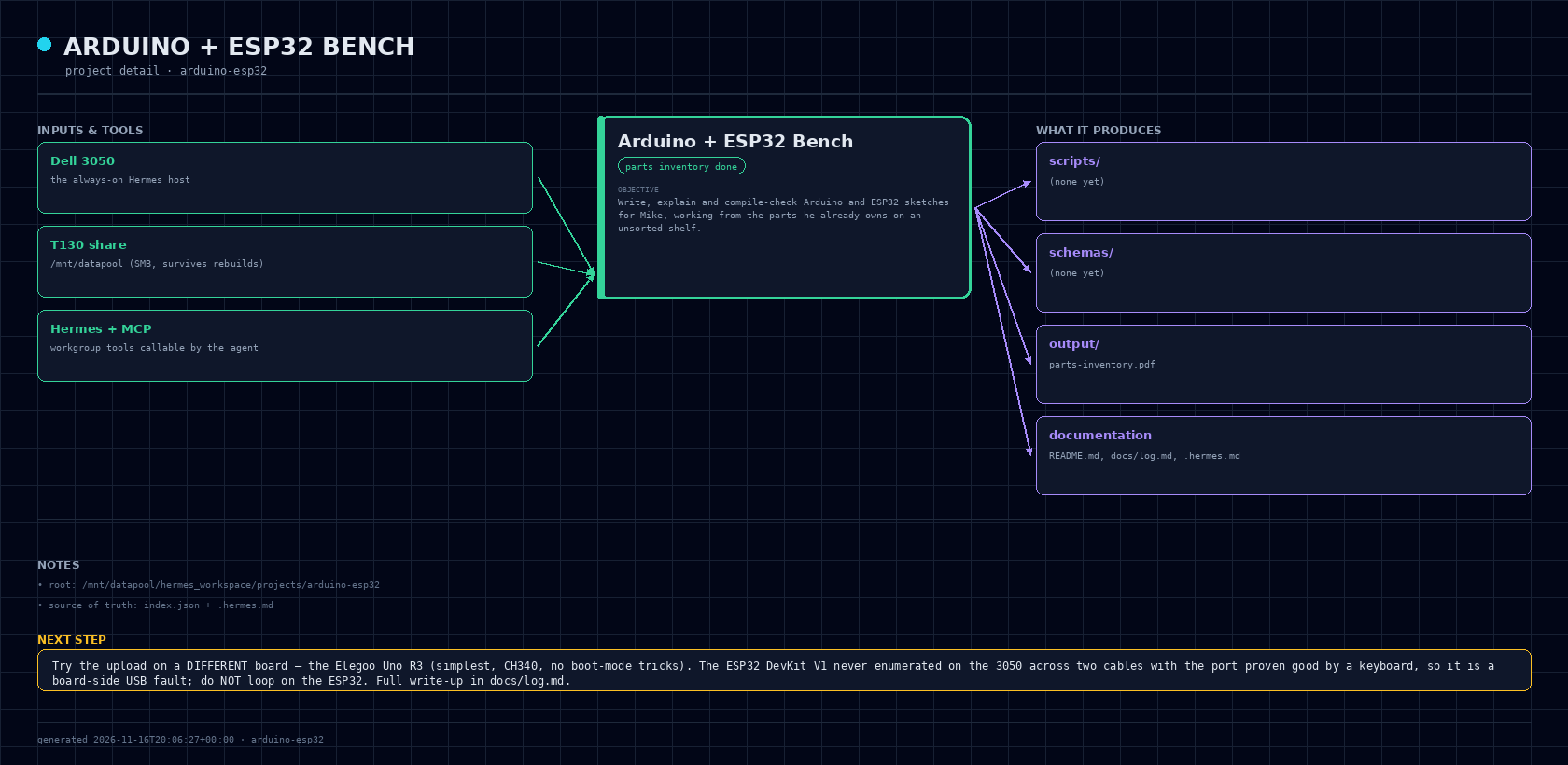
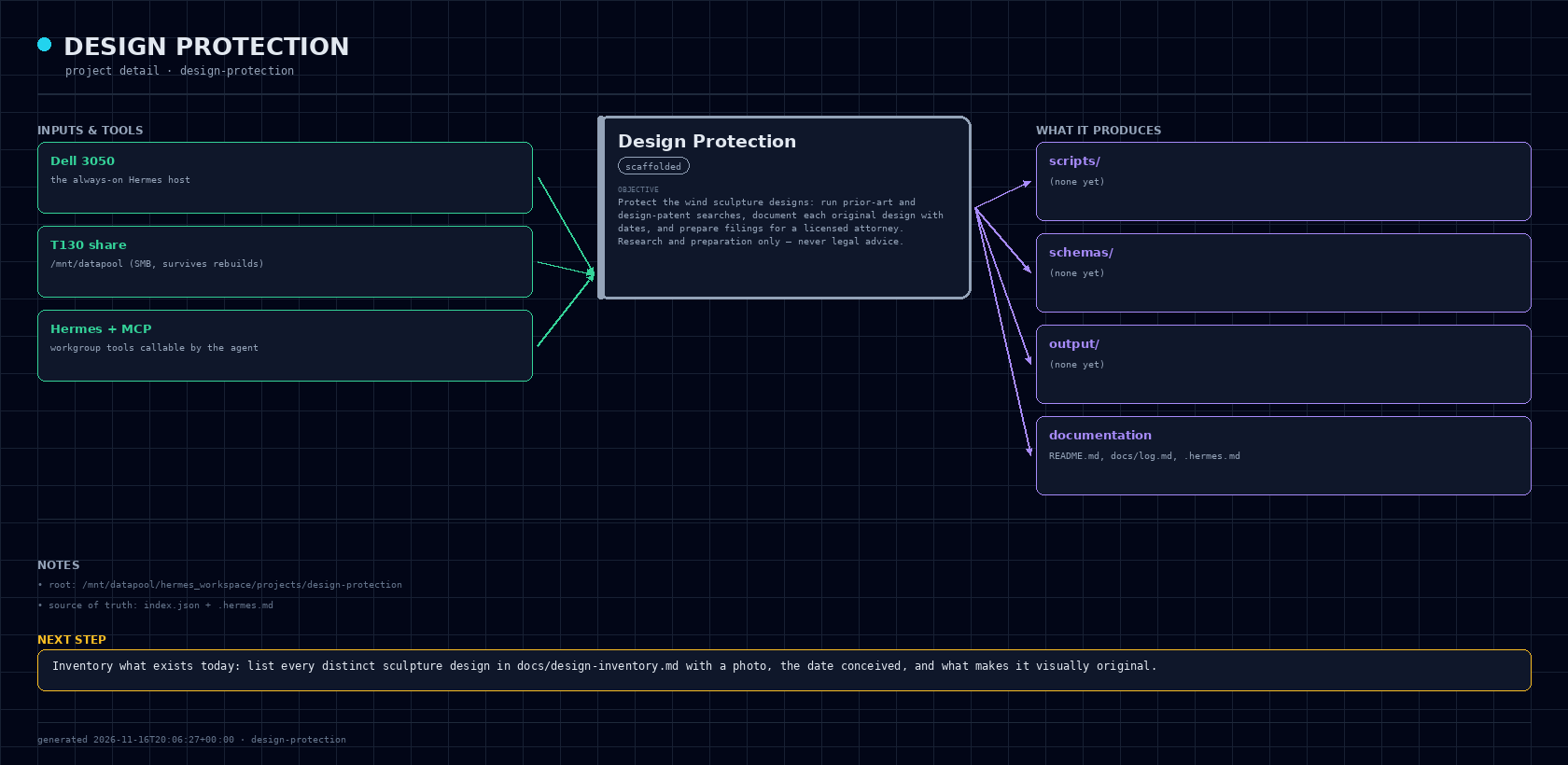
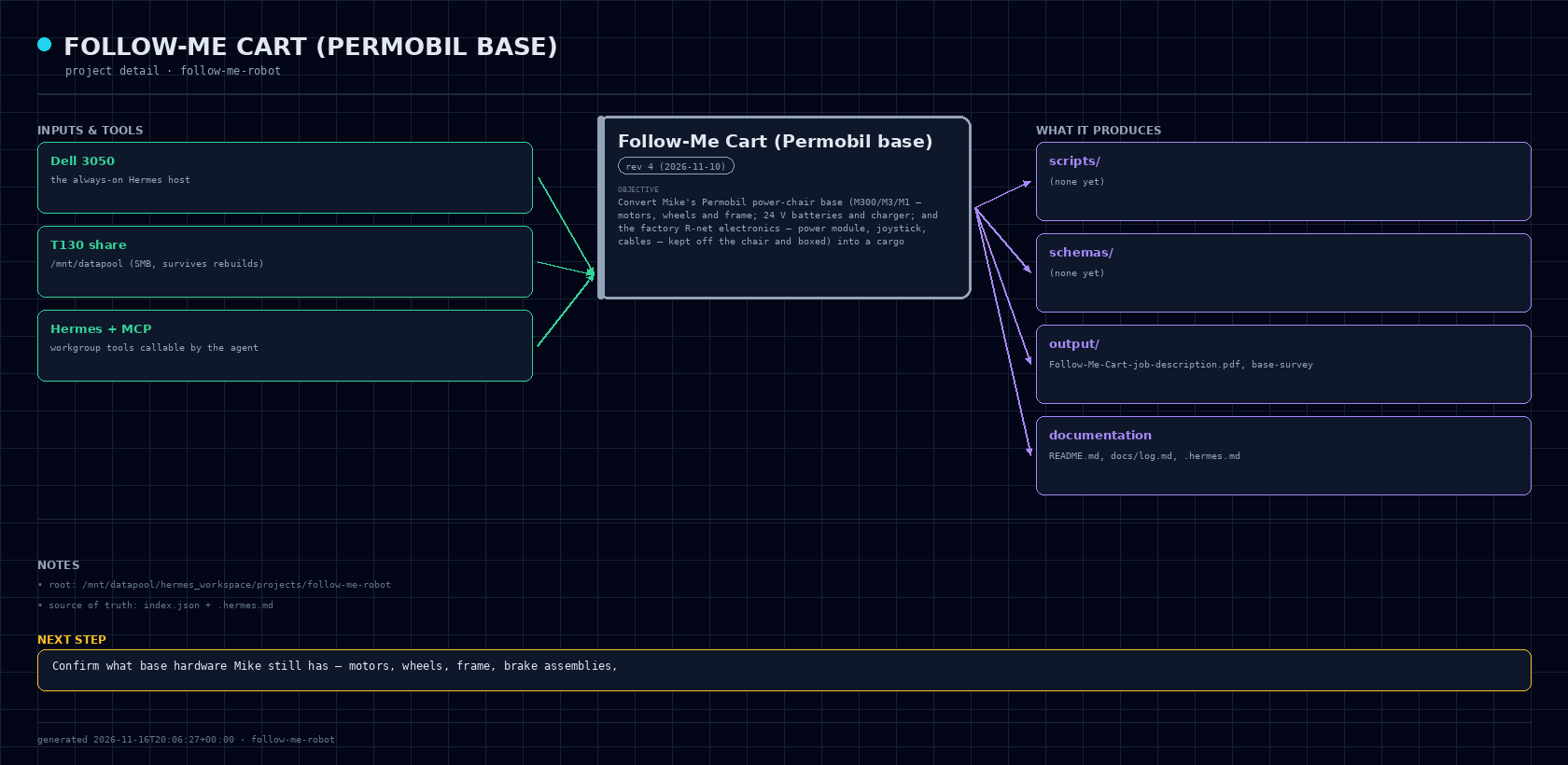
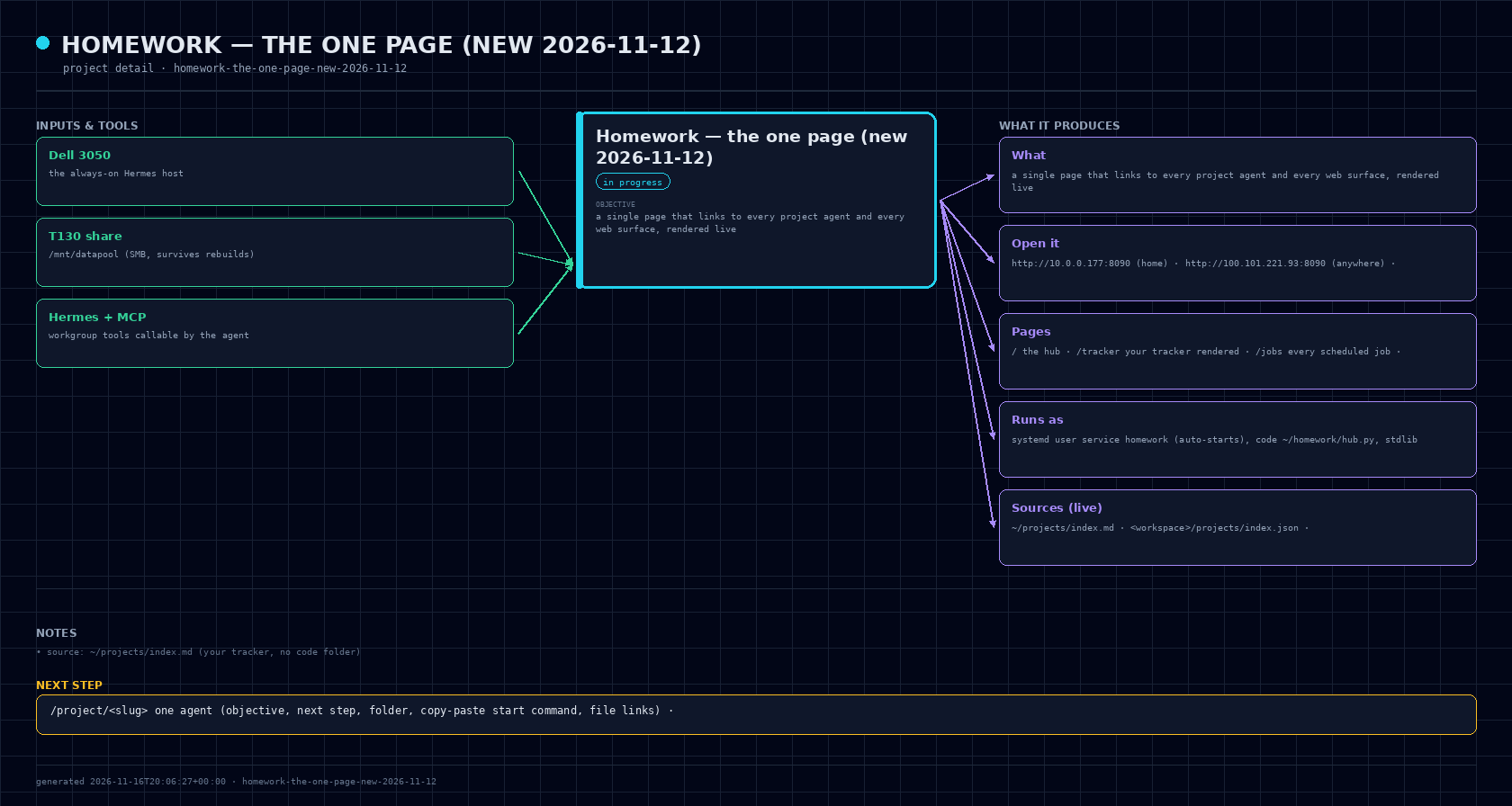
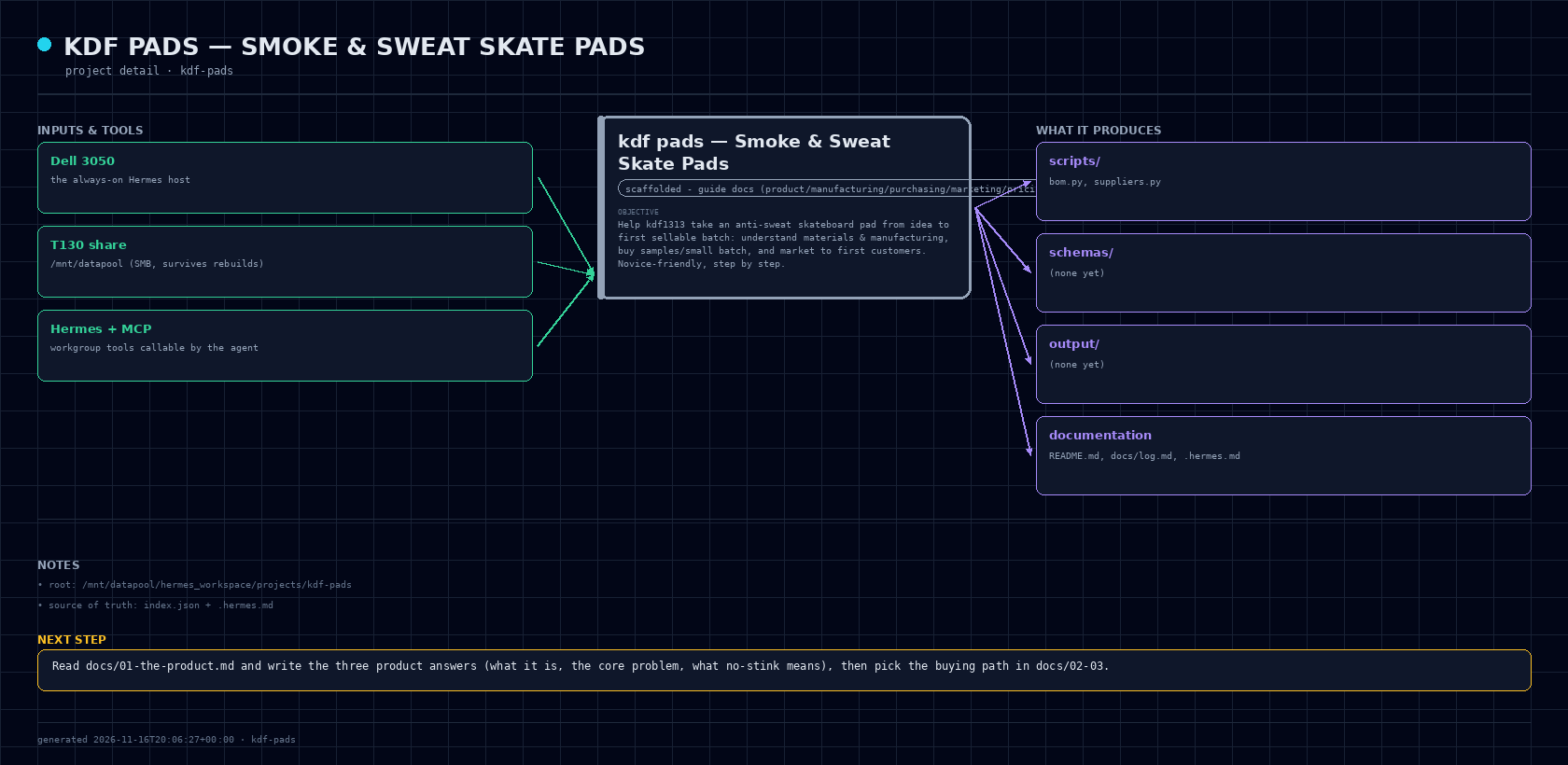
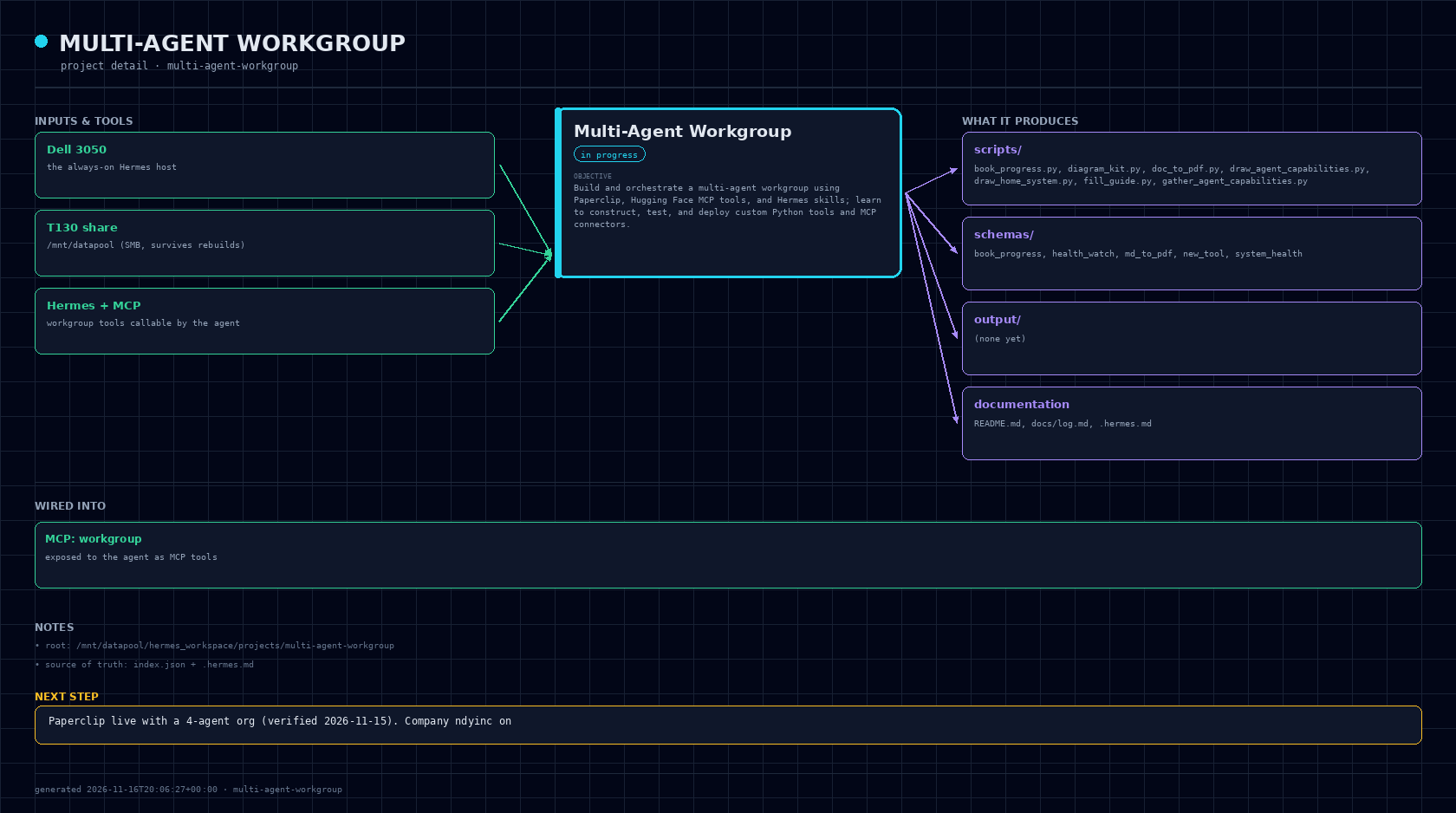
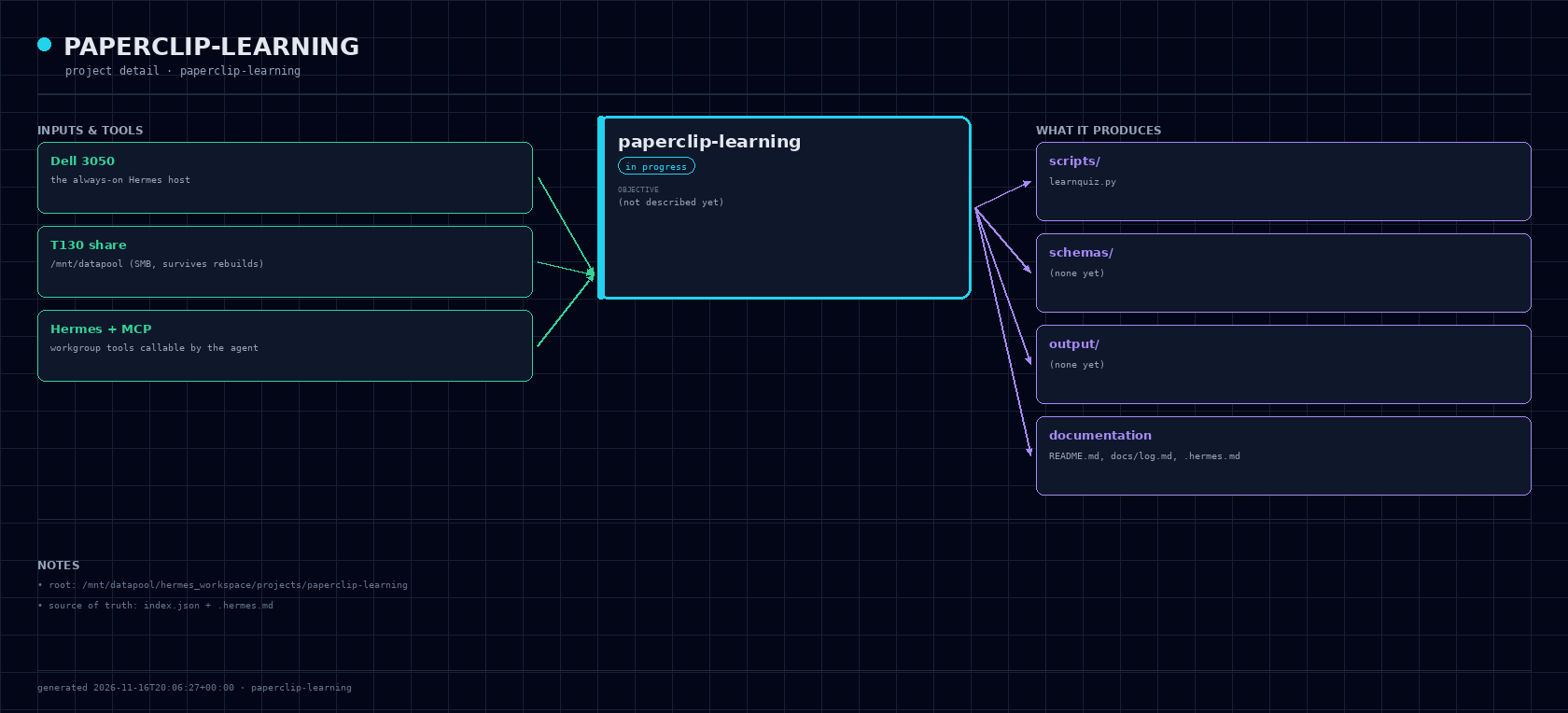
Generate an at-a-glance diagram of every project — what parts it has, how they connect, and its status — as both a Telegram-ready PNG and a live web page that regenerates from the real files so it can never go stale.
project_map as an MCP tool in the workgroup server so the agent can re-render on demand.| File | What it does |
|---|---|
| scripts/mapdraw.py | Pillow rendering primitives (dark theme, cards, arrows, wrapped text) + the two layouts: draw_overview and draw_detail. Heights are computed from content so nothing overlaps. |
| scripts/project_map.py | Gathers every project from the two registries + live host state, then renders output/all-projects.png, one output/<slug>.png per project, output/index.html, and output/map.json. |
| scripts/server.py | Password-protected web server on :8081 that regenerates the diagrams when the page is older than 120s, so it can't go stale. Shares the book manager's credentials file (one password on this host). |
| schemas/project_map.schema.json | Schema for the generator tool. |
Two data sources, deliberately: project assistants come from hermes_workspace/projects/index.json, and Mike's own projects from ~/projects/index.md. Both are parsed from the real files, so the diagram cannot claim something the files don't say.
One command renders an all-projects map plus a per-project diagram; a web page serves them; a PNG can be sent to Telegram on demand.
```
/mnt/datapool/hermes_workspace/projects/project-map/
.hermes.md this file — auto-loaded project rules
README.md human quickstart (how to start THIS assistant)
src/ source code for the project
scripts/ runnable one-off scripts + generated tools
schemas/ JSON schemas for every custom tool (<name>.schema.json)
output/ generated artifacts, reports, exports
docs/ notes, decisions, references
venv/ per-project Python venv (created on demand)
```
Shared, project-independent facts (host, storage, runtime) live in
/mnt/datapool/hermes_workspace/ENVIRONMENT.md — read it instead of assuming.
1. Save every generated script, schema, and output under /mnt/datapool/hermes_workspace/projects/project-map/ —
never leave artifacts in ~ or the scratch dir.
2. Every custom tool ships as two files in the same change:
scripts/<tool_name>.py and schemas/<tool_name>.schema.json.
Copy the working pair at /mnt/datapool/hermes_workspace/templates/example_tool.py +
example_tool.schema.json as the starting shape: pure function, stdin JSON →
stdout JSON, no side effects on import.
3. Test before marking anything complete. No Docker here: use
/usr/bin/python3 -m venv venv && ./venv/bin/pip install ... (bare python3
in a Hermes session is Hermes' own runtime and has no pip), or run the script
and show real output. Paste actual command output, never a description of it.
4. Keep terminal explanations to a single copy-and-pasteable command per step.
Pillow (PNG), stdlib, Hermes workgroup MCP
PNG diagrams + an HTML overview page
This block is injected into every project's .hermes.md by bin/new-project, so
host facts live in ONE place. Update here, not per project.
mike//10.0.0.5/datapool mounted at /mnt/datapool (cifs, vers=3.1.1, uid/gid 1000, rw). There is NO /mnt/t130_storage on this host.
/mnt/datapool/hermes_workspace//usr/bin/python3 (3.14.4, venv + pip both work). ⚠ Inside a Hermes session, bare python3 resolves to Hermes' own bundled runtime
(3.14.7) which has no pip — python3 -m pip install x fails with
"No module named pip". Always build project venvs explicitly:
/usr/bin/python3 -m venv venv && ./venv/bin/pip install ...
huggingface_hub 2.4.0, mcp 2.3.0, numpy 2.5.4 (cp314 wheel) and tokenizers 0.23.3 all resolve — the HF/MCP stack is fine
on this Python, no downgrade needed.
~/.hermes/ (config, skills, cron, sessions, state.db)main). Two local configs are mandatory on the SMB share, not cosmetic: core.filemode=false (the share forces
0755) and core.trustctime=false — CIFS ctimes are unreliable, and with them
trusted git add can treat a just-written file as unchanged and commit a **stale
blob**. Commit when a unit of work is finished:
cd /mnt/datapool/hermes_workspace && git add -A && git commit -m "...", then
confirm git status --short is empty — if it still lists files, re-add and commit
again before trusting the commit.
9616162615e7 mirrors the workspace to gdrive:3050-HOME/hermes_workspace (one-way up, .git included, so the
Drive copy is a real clonable repo). Script ~/.hermes/scripts/backup_hermes_workspace.sh,
log ~/.hermes/cron/output/hermes-workspace-backup.log. It prints nothing on
success and pings Telegram only on failure.
rclone sync against a missing mount would delete the Drive copy, so it gates
on the mount, a sentinel file, and a minimum file count, and caps deletions.
3050-to-Drive bisync job (sync_to_drive.sh, which covers $HOME/{book,hermes-3050,agent-os,projects,bookapp}).
Two sync jobs touching one tree is how you get conflicts.
Verified against live command output 2026-10-30. Re-verify with:
hostname; ip -4 addr; mount | grep datapool; python3 -V; node -v; docker --version
When work stops: update Status (state + next step) in this file, then log one
line in /mnt/datapool/hermes_workspace/projects/project-map/docs/log.md with date + what changed + what's next.
Built live from your own files — nothing here is typed by hand.